Free Play
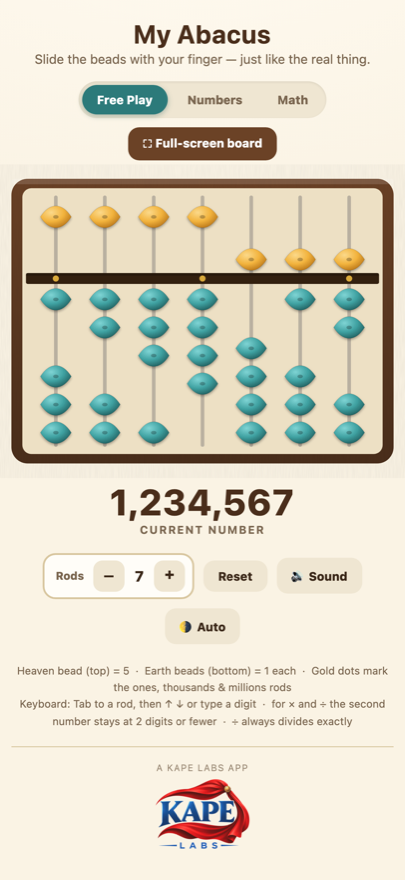
Slide beads and watch the number change. Go full-screen for a wide board, and add rods for numbers into the millions.

A soroban that works the way the wooden one does. Slide the beads with your finger and the number they spell out sits right under the board.
How it works
Slide beads and watch the number change. Go full-screen for a wide board, and add rods for numbers into the millions.
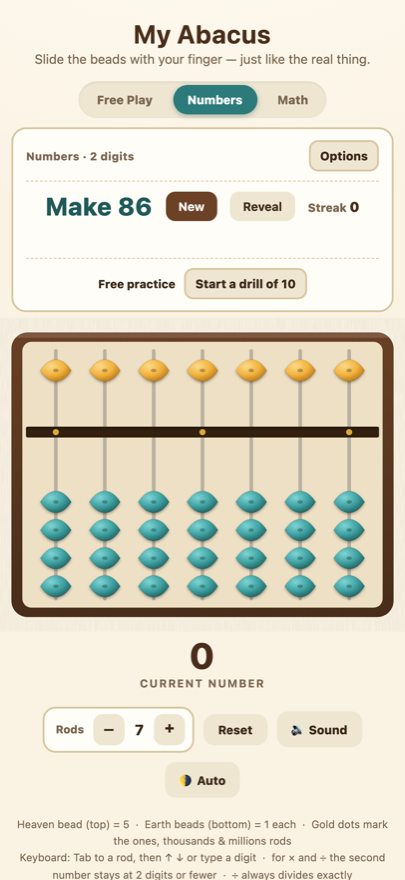
The app names a number; you build it on the board. Choose how many digits to work with.
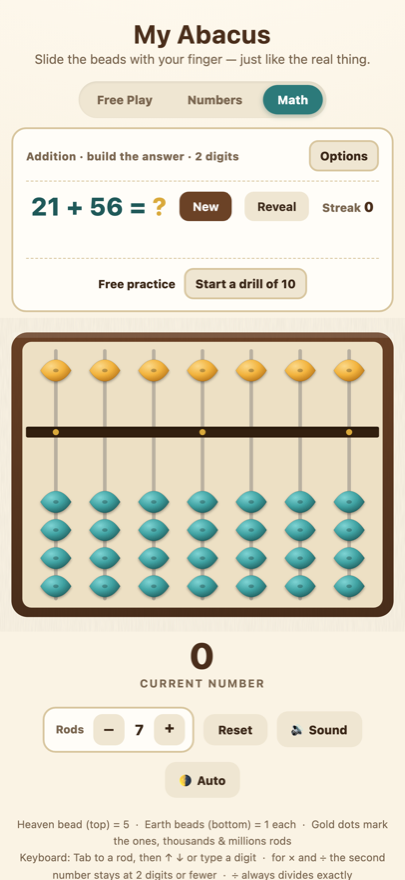
Addition, subtraction, multiplication and division. Run a drill of ten and the app keeps your streak and best time.
Privacy
The app makes no requests of any kind. It works the same in airplane mode.
Nothing to sign up for, no e-mail address, no login.
No advertising, no advertising identifiers, no analytics, no third-party SDKs.
Preferences and practice records stay on the device and are deleted with the app.
Built for children to use unsupervised: no chat, no user-generated content, and no links out of the app. Read the full privacy policy.
A real person reads this address, and there is no support queue to get lost in.
[email protected]The bead above the bar is worth five. Each bead below it is worth one. The gold dots mark the ones, thousands and millions rods, so longer numbers stay easy to follow.
Yes, always. The app has no networking code at all, so there is nothing to lose when you go offline.
Yes. There are no ads, no purchases, no chat, no accounts and no links that lead out of the app. Nothing about your child is collected or sent anywhere.
Yes — the statistics panel has a control that clears it, and deleting the app removes it along with your preferences.
Yes. Tab to a rod, then use the arrow keys or type a digit. The board works with VoiceOver and TalkBack, and the light and dark themes follow your system setting.